UserProfileView
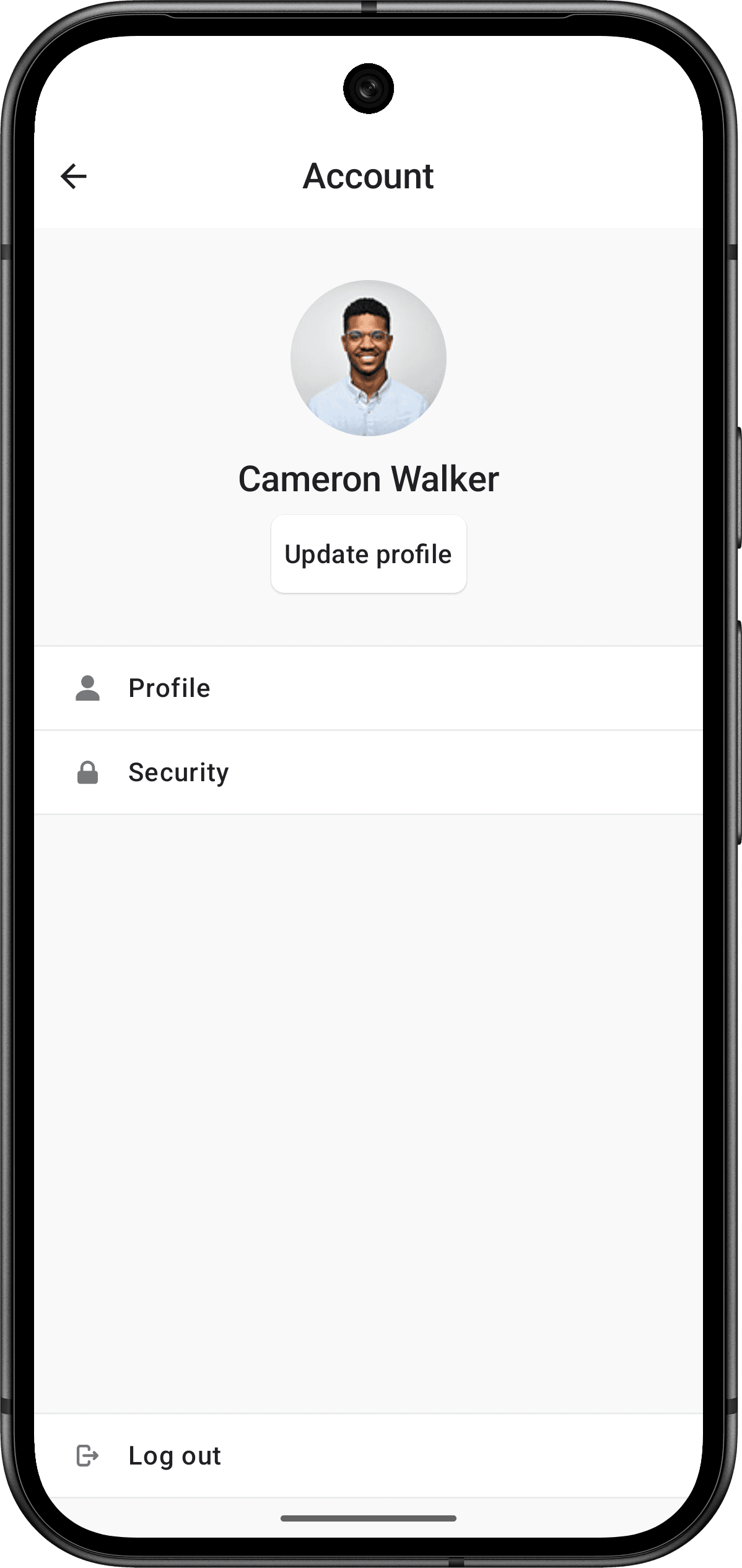
The UserProfileView renders a comprehensive user profile interface that displays user information and provides account management options. It includes personal information, security settings, account switching, and sign-out functionality.
- Name
clerkTheme- Type
ClerkTheme- Description
The theme to apply to the
UserProfileView. This will override any theme applied to theUserProfileView's parent view, or configured in theClerkglobal object.
- Name
onDismiss- Type
() -> Unit- Description
A callback function that is called when the user dismisses the view, such as when they tap a back button or close button. Use this callback to handle navigation or perform cleanup when the user closes the profile view, for example, navigating back to the previous screen or updating your app's state.
The following example shows how to use the UserProfileView in your Android app.
Fullscreen profile view
Use UserProfileView as a fullscreen view when you want to dedicate the entire screen to profile management.
import androidx.compose.runtime.Composable
import androidx.compose.runtime.getValue
import androidx.lifecycle.compose.collectAsStateWithLifecycle
import com.clerk.api.Clerk
import com.clerk.ui.userprofile.UserProfileView

@Composable
fun ProfileView() {
  val user by Clerk.userFlow.collectAsStateWithLifecycle()
  if (user != null) {
    UserProfileView()
  }
}
Customization
To learn how to customize Clerk views, see the dedicated guide.
If Clerk's prebuilt views don't meet your specific needs or if you require more control over the logic, you can rebuild the existing Clerk flows using the Clerk API. For more information, see the custom flow guides.
Feedback
Last updated on