Enterprise-ready,
before your
customer asks
Enterprise SSO and Directory Sync, out of the box.
Single Sign-On SSO, any provider, no new code
Enterprise customers arrive with their identity stack already chosen. Clerk federates into it through the same <SignIn /> you already shipped.
Okta Workforce
Connect an Okta tenant over SAML or OIDC.
Microsoft Entra ID
Federate with Entra ID, formerly Azure AD.
Google Workspace
Use the Workspace domain their IT team already manages.
Custom SAML provider
Connect any SAML 2.0 provider from its metadata.
Custom OIDC provider
Connect any OIDC provider from its discovery URL.
Directory Sync SCIM keeps access current
Users are provisioned and deprovisioned straight from their IdP. When IT revokes access, it's revoked in your app. No stale accounts, no manual offboarding.
Read the Directory Sync guide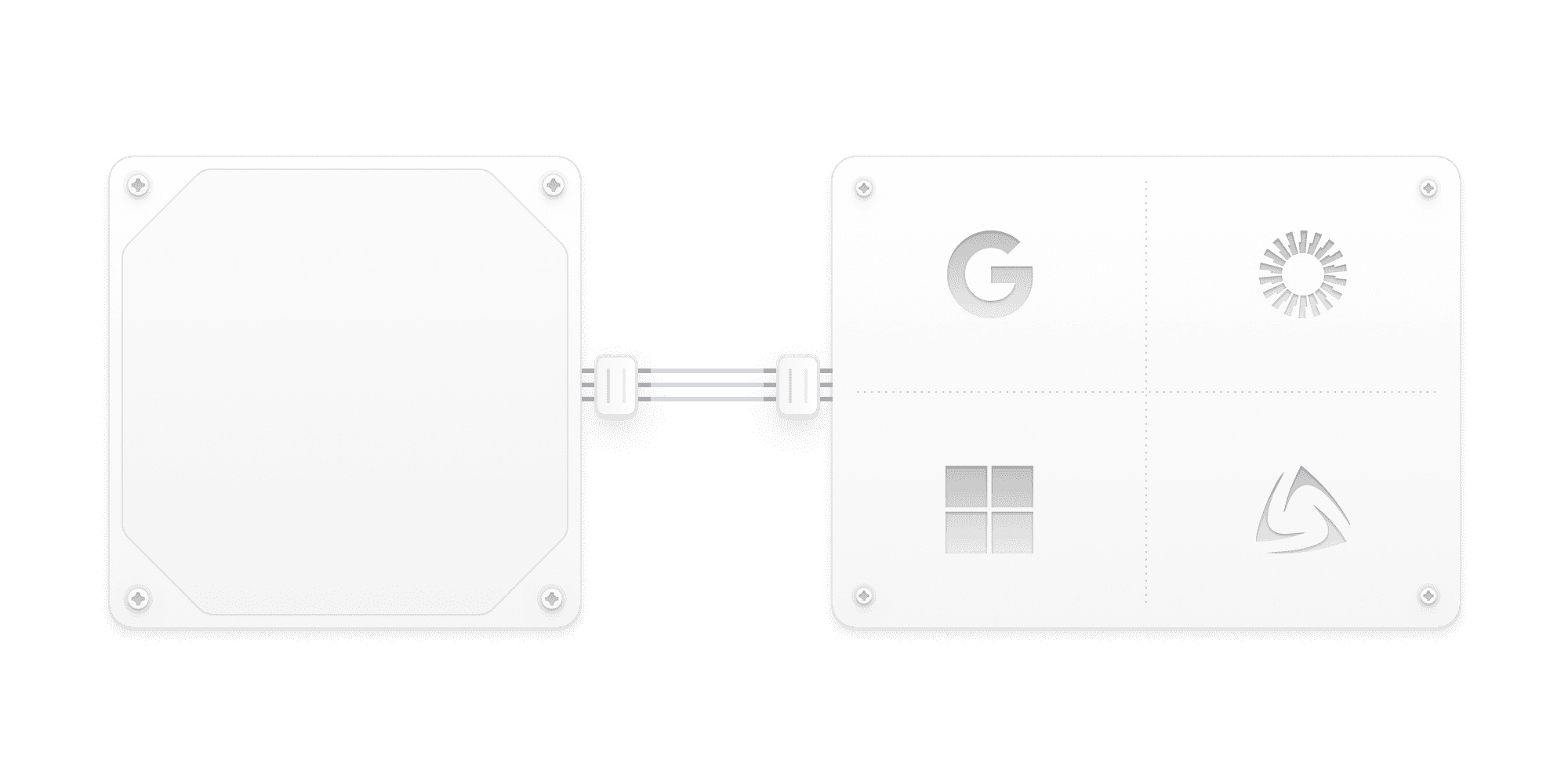
Use Clerk's tenant model, or bring your own
Enterprise connections work with whatever tenancy you've built.
Use Multi-tenancy
Connections attach to organizations, with members, roles, and invitations handled. Enterprise admins get self-serve setup, configuring SSO themselves from their organization profile.
Bring your own
Attach connections to the tenant model you already built. Clerk tells you who signed in and through which connection. Your data model decides the rest.
Organization
Manage your organization
General
Members
Billing
Security
API keys
Security
SSO
ActiveRequire members with a matching email domain to sign in through your identity provider.
Okta Workforce
brightside.com
Verified domains
brightside.com
Self-serve SSO available with Multi-tenancy
Your first connections are included on paid plans
Paid plans include one SSO connection and one Directory Sync connection per app. Additional SSO and Directory Sync connections are billed separately, with volume discounts published up front.
See full pricing